Co-Founder / CTO / Full-Stack Engineer at Piing. Manchester, UK.
For more than a decade, I've had the pleasure of creating digital interactive experiences at LOVE. and Rhythm, for some of the biggest brands in the world. A handful of these include Sony PlayStation, Umbro, Diageo, Moët & Chandon, The V&A, Manchester City F.C. and Deutsche Bank. Now Co-Founder at Piing, our event tech startup.
- Piing

Piing is our crowd engagement platform. It enables hundreds of players to join in one of our customisable activities and games with a mobile device. No app download required.
- Quiiz

Realtime interactive gameshow which scales to thousands.
- V&A Design a Ring
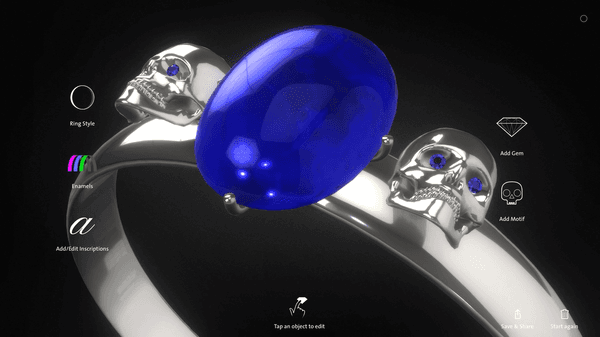
Ring designer interactive for the V&A Jewellery Gallery. Made with Blender; Three.js; React; Laravel
- Mackintosh at the Willow
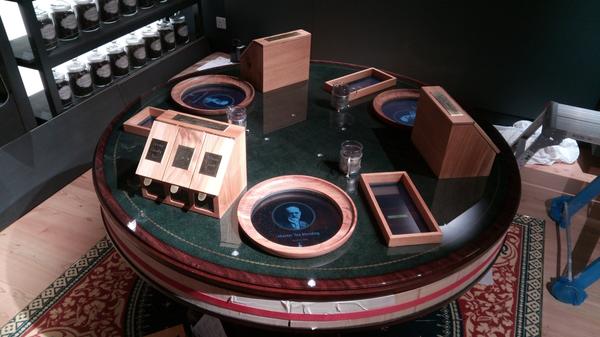
Interactive touchscreens for the Mackintosh At The Willow, Glasgow.
- National Science and Media Museum: Time Twister
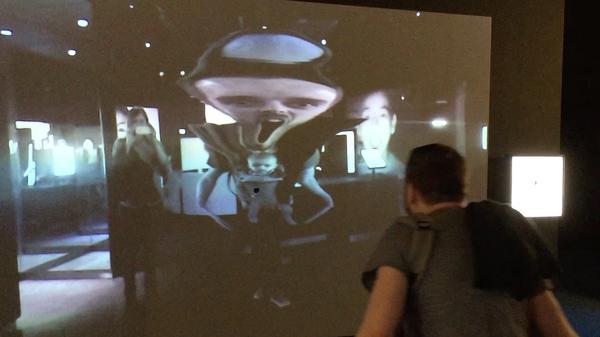
Time Twister installation for the Wonderlab Gallery at the National Science and Media Museum, Bradford. Made with openFrameworks.
- Manchester Arndale Christmas Promo
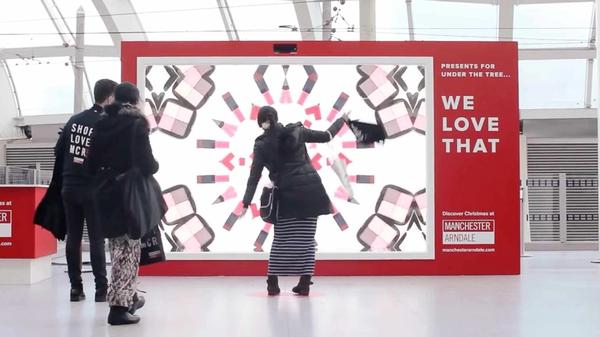
Interactive installation in Manchester Victoria Station for Manchester Arndale. Built with Unity and Kinect.
- House of European History
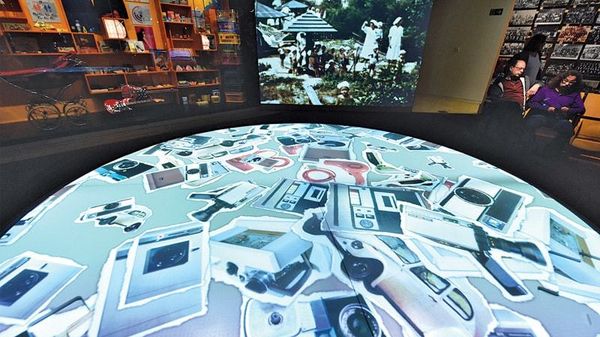
Tablet-controlled interactive table built with Node.js / JavaScript / Canvas / WebSockets for House of European History Museam in Brussels, Belgium. Each installation has 4 interactive quadrents which are controlled by seperate devices.
- Moët & Chandon: N.I.R
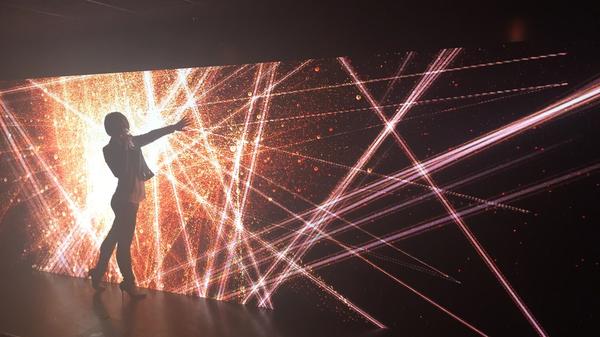
Massive wall of bubbles for the Moet & Chandon N.I.R Nectar Imerial Rose Dry launch party at One Embankment, London and a smaller version for the Boujis nightclub in South Kensington. Made with Cinder; Kinect; OpenGL With custom GLSL shaders.
- V&A Europe 1600-1815 Gallery
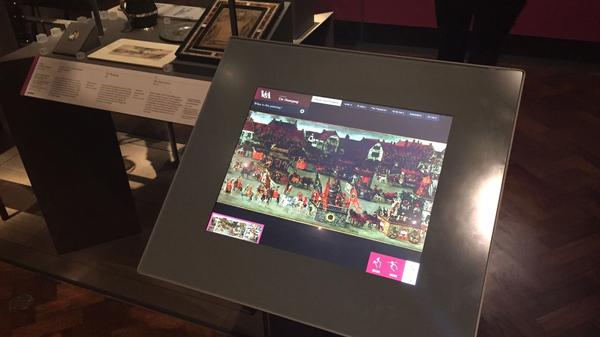
Multiple interactives for the V&A's Europe 1600-1815 gallery. Made with HTML; CSS; JavaScript
- Junior Vets Game
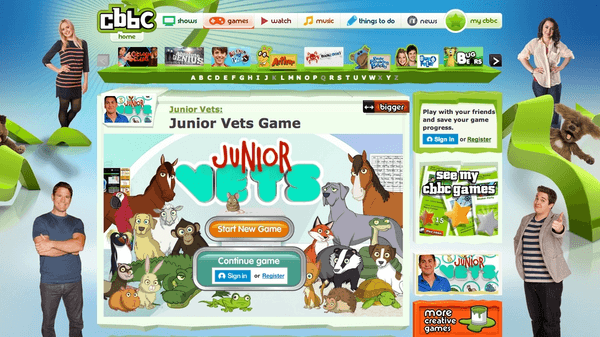
Junior Vets game for CBBC. Made with Flash / AS3; Box2D Physics
- LOVE. Interactive Xmas Projection
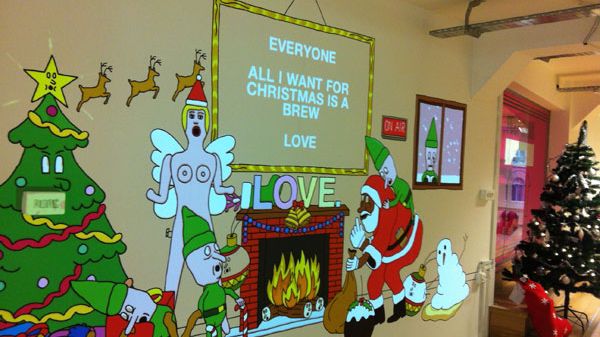
The LOVE 2012 Christmas Card. An interative wall streamed live on lovecreative.com. Write a message on the website and see it appear on the office wall over the live stream when the link is opened. Made with openFrameworks; Node.js; Flash (web component).
- Umbro 1350 Footwear
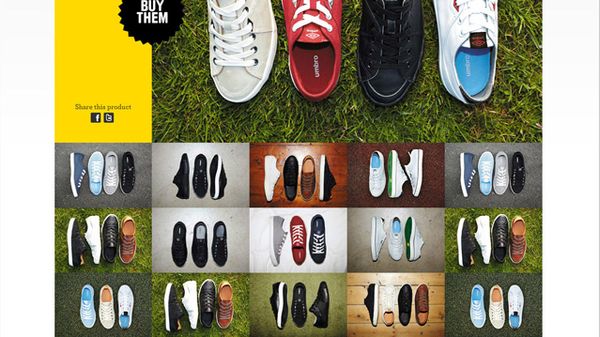
Footwear site for the Umbro 1350 campaign. Made with Flash / AS3
- Sony PlayStation YouTube Channel
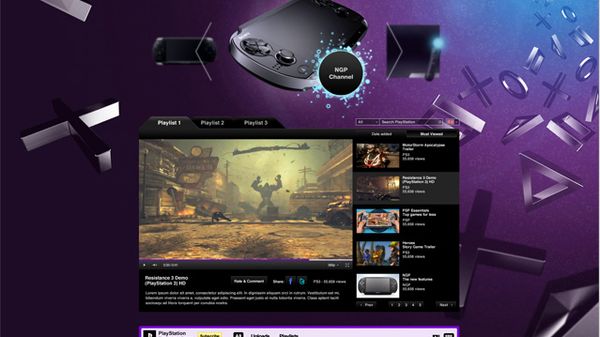
Custom YouTube channel for Sony PlayStation. Made with Flash / AS3
- Umbro 1350
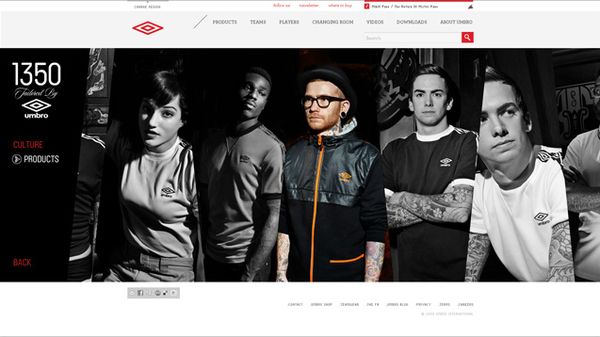
Website for Umbro's 1350 campaign. Made with Flash / AS3
- PS Move: YouTube Takeover
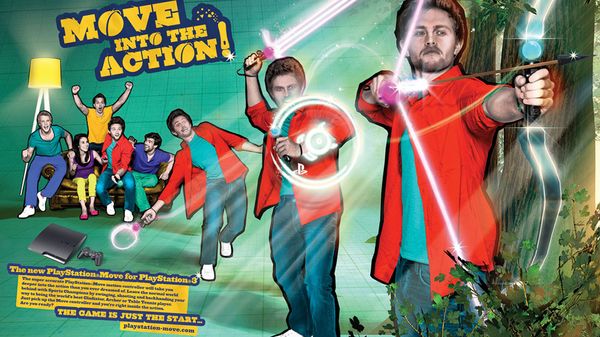
Physics-based YouTube takeover for the launch of the PS Move. Made with Flash / AS3; Box2D Physics
- PS Vita: YouTube Takeover
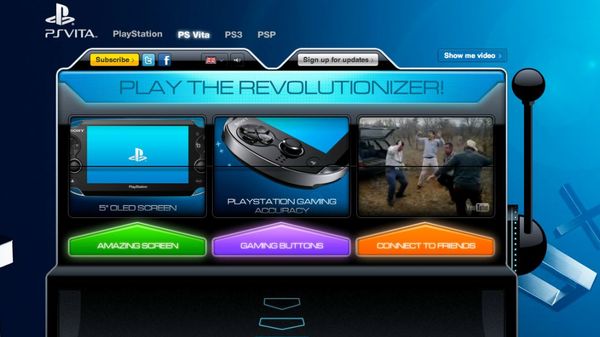
One-armed bandit Takeover to coincide with the launch of the PS Vita. Made with Flash / AS3
- PS3 - The Game
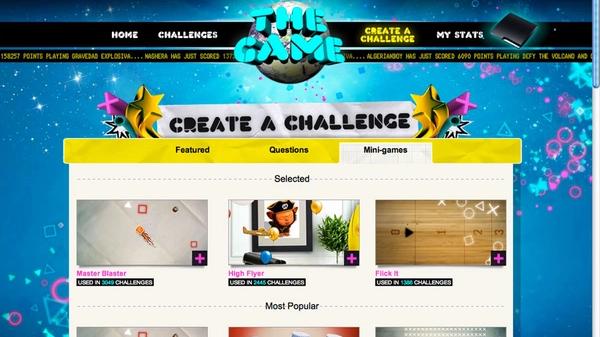
Create challenges for friends with donzens of minigames. To coincide with the PS3 campaign: "The Game Is Just The Start". Minigames and interactive components made with Flash / AS3
- CTRL+ALT+SHIFT: 2 Fingers to War
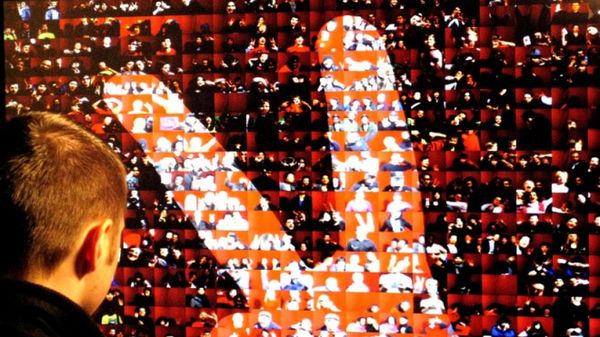
Photo wall installation at a CTRL+ALT+SHIFT event at the Southbank Centre, London. Created for Dorothy. Made with Flash / AS3
- Green Santa
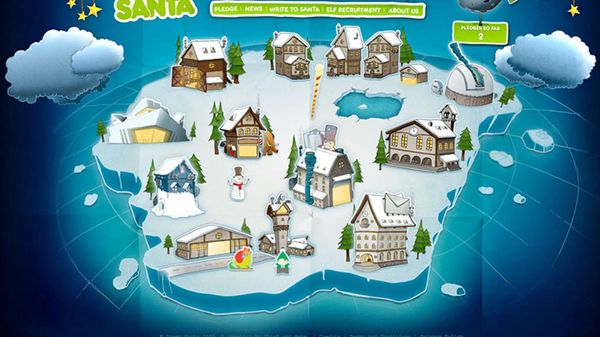
Green Santa website. A production by LOVE. And Chief. Made with Flash / AS3